
Installing TikTok You APK takes about three minutes once the file is on your phone. The steps below were tested on a Pixel 8, a Galaxy A55, and a Galaxy A13, so they hold up on flagships and budget phones alike.
If you have not grabbed the file yet, head to the download page and wait for the short timer, then tap the button that appears.
Before you start
You need Android 7.0 or newer and about 1 GB of free space so the 352 MB package can unpack. A Wi-Fi connection saves your mobile data. You do not need root, a PC, or any installer app.
Step 1: Download the APK
Tap the download button and let the file finish completely. Do not open it from the notification shade while it is still writing; a half-written package is the most common cause of install errors.
Step 2: Allow unknown apps
Open the file from your Downloads folder. Android will ask you to allow installs from the app you used to open it (usually Chrome or your file manager). Flip that single toggle and go back.
Step 3: Run the installer
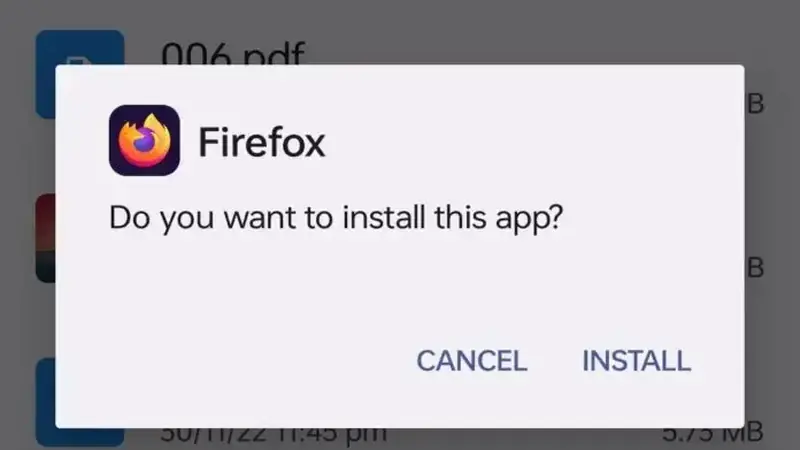
Tap Install on the system prompt and wait. On older phones this takes up to a minute because the package is large. Do not lock the screen mid-install.
Step 4: Sign in and grant permissions
Open the app, sign in with your existing account, and allow camera, microphone, and storage when asked. Your follows and drafts carry over untouched.
Step 5: Set your first preferences
Open in-app settings and pick your download quality, region, and auto-scroll timer. That is it: the feed is yours now.
If something goes wrong
Install errors are almost always one of three things: an unfinished download, an older copy blocking the signature, or too little free space. The not installing fixes walk through each one, and the safety breakdown explains what the permission prompts mean.