
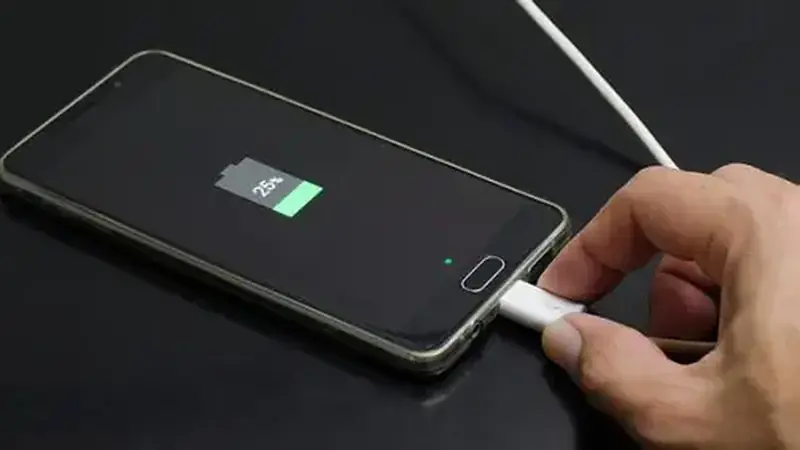
Short video is hungry work: constant decoding, network, and screen-on time. These seven tweaks cut TikTok You official site battery drain on our test phones without making the app worse.
Tweak 1: Cap background activity
In Android settings, set the app to restricted background use. The feed does not need to preload videos while you sleep.
Tweak 2: Lower preload quality on data
Set HD preload to Wi-Fi only. Your eyes cannot tell the difference on a phone screen, but your battery can.
Tweak 3: Shorter auto-scroll sessions
Hands-free watching is wonderful and also the fastest way to burn an hour of screen-on time. Set a session timer so it stops with you.
Tweak 4: Dark mode at night
On OLED screens, dark pixels sip power. Night mode pairs nicely with late scrolling.
Tweak 5: Notifications diet
Every buzz wakes the screen and the radio. Keep mentions and messages; mute the trending-now pings.
Tweak 6: Update the build
The current release specifically reduced background use on our bench. Old builds do not have that fix.
Tweak 7: Check the real culprit
Open battery stats and confirm the app is actually the hog before blaming it. If the whole phone is slow, the lag fixes come first.