
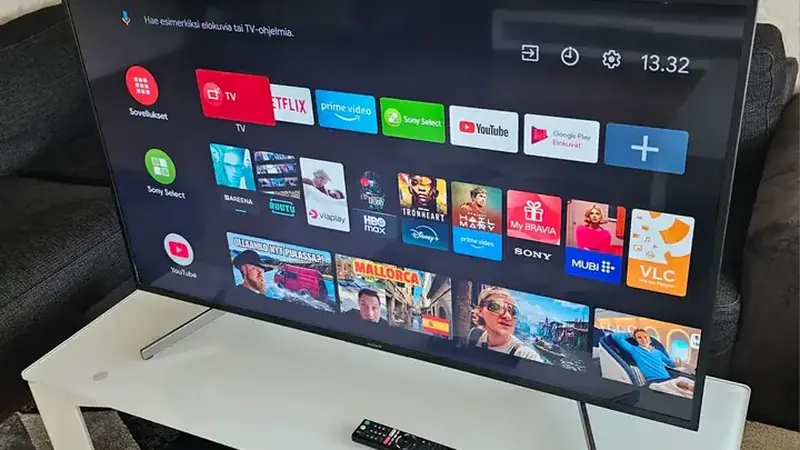
TikTok You VIP is a phone app, but it runs fine on Android TV boxes with two small workarounds. Movie-night TikTok is a real thing.
Getting it on the TV
Copy the APK to a USB stick or send it with a file-sharing app, open it with a TV file manager, and install. The same build works; there is no separate TV version.
Navigating with a remote
The D-pad moves focus well enough for the feed, but enable the mouse-toggle mode (usually a long-press on a remote button) for settings screens. A cheap air mouse makes it genuinely comfortable.
Making vertical video look right
Vertical clips pillarbox on a wide TV; that is normal. Sit a little farther back than you would for movies and let autoplay do the work.
Sound and accounts
Sign in once and your feed follows you from phone to TV. Pair a soundbar if you have one; phone-mastered audio sounds thin on TV speakers. Creators planning TV-friendly clips should read the upload settings guide.
Sound matters more on a TV than on a phone. If dialogue in clips feels thin through the TV speakers, try a cheap soundbar or even a Bluetooth speaker behind the couch. The upgrade is bigger than any settings tweak inside the app.