
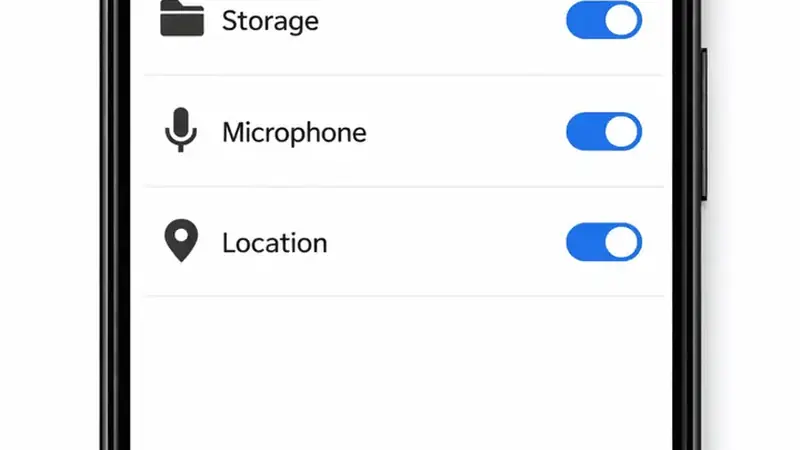
Permission prompts deserve better than blind tapping. Here is what each TikTok You VIP permission actually does and which you can deny.
Camera
Needed to film and upload. Deny it if you only watch; the feed works fine without it.
Microphone
Needed for recording with sound and voiceovers. Watch-only users can deny it too.
Storage
Needed to save videos and read uploads from your gallery. Deny it and downloads and uploads both break, so this one is load-bearing.
Location
Used for local trends and nearby content. Safe to deny; the feed just gets less geographically personal.
The safe minimum
- Watch and save: storage only.
- Post videos: add camera and microphone.
- Local trends: add location if you want them.
Reviewing later
Android lets you revoke any permission any time under Settings, Apps. If a feature stops working after you tighten things, you will know exactly why. For the bigger safety picture, see the safety breakdown.
Review your permissions twice a year. Apps change, updates add features, and a permission that made sense last spring might not be needed now. Open the app info screen, tap permissions, and remove anything you no longer use. The app will ask again if it truly needs it, so there is no risk in tightening things up. Think of it as a quick spring clean for your privacy.