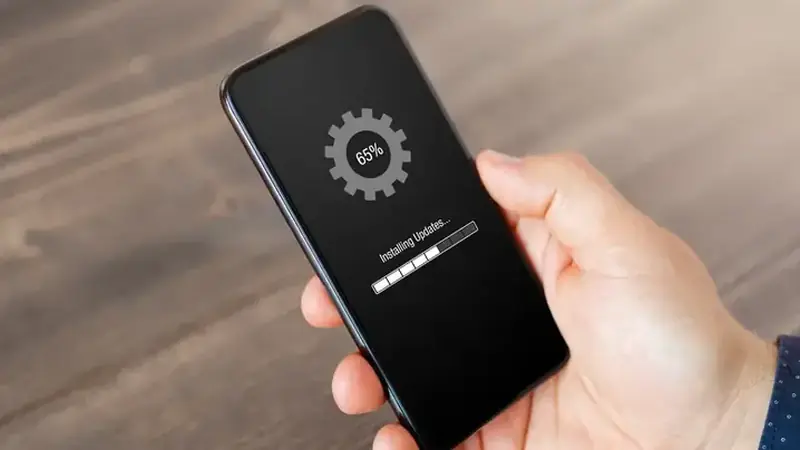
Updating TikTok You official site is a two-minute job when you do it in the right order. Do it wrong and you will meet the dreaded signature conflict.
Start at the download page and grab the newest file; this page always serves the latest tested build.
The safe update path
Try installing the new APK right over the old one first. If the signatures match, Android upgrades you in place and everything stays put.
If the installer refuses
That is the signature conflict. Uninstall the old build, then install the new one fresh. Your account, follows, and synced drafts restore on sign-in.
What carries over
Everything tied to your account: follows, likes, saved videos, and cloud drafts. Only truly local odds and ends, like unsynced settings tweaks, may need redoing.
How often to update
Update when a release notes something you care about, like the playback fixes in the current build. If your version runs perfectly, there is no rush; and if a new build misbehaves, the rollback guide has your back.
After the new build is in place, open your profile once and check that your drafts, likes, and follows are all there. Updates almost never touch your account data, but a quick glance saves you a headache later. If a setting looks different, it is usually a new default, not a bug.