
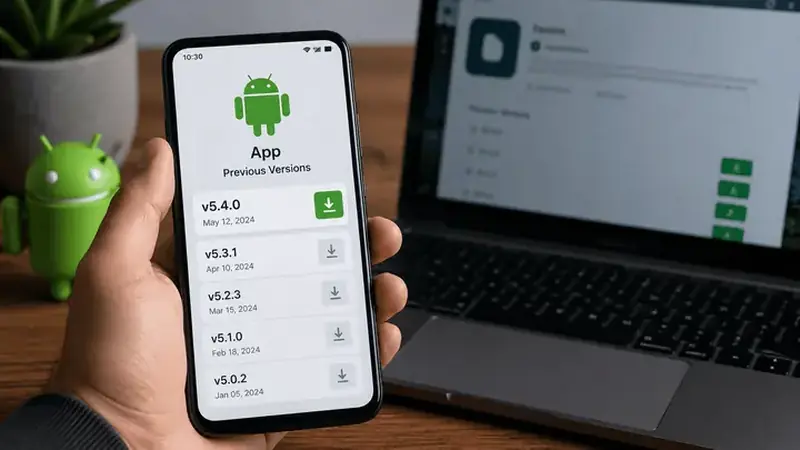
Sometimes the newest build is not the best build for your phone. This guide covers when an older TikTok You makes sense and how to roll back without losing anything.
When rolling back helps
- A new build stutters on your specific phone while the old one was smooth.
- A feature you rely on changed behavior in the latest release.
- You need to match a version a friend uses for a duet workflow.
When it hurts
Old builds miss security fixes and can lose server-side features over time. Treat a rollback as a temporary bridge, not a permanent home.
How to roll back
Back up anything local first, uninstall the current build, install the older APK, and sign in again. Your account data syncs back automatically.
Then update again
Check back after a release or two; regressions usually get fixed fast. The update guide keeps you current with the least fuss.
Keep a copy of the installer that worked best for you before you update. If a new build ever misbehaves on your phone, you can roll back in minutes instead of hunting for a trustworthy file later. Store the file in your downloads folder with a clear name so you can find it fast.