
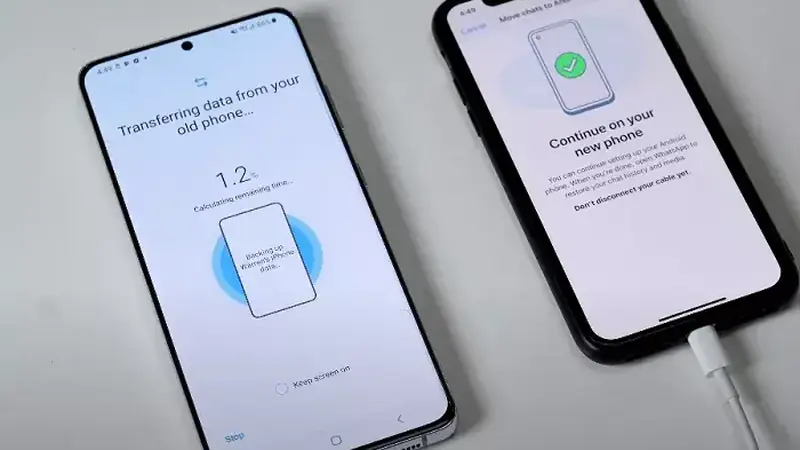
New phone day should be exciting, not anxious. Move TikTok You official site over with this checklist and nothing important gets left behind.
What syncs automatically
Follows, followers, likes, saved collections, and cloud drafts all live on your account. Sign in on the new phone and they appear.
What needs manual help
- Downloaded videos live in your gallery; move them with your usual phone-transfer method.
- Unposted local drafts may not sync; post or save them before switching.
- In-app settings like download quality need a one-minute redo.
The five-minute checklist
- On the old phone: confirm you can sign in and note your settings.
- Move gallery videos with your transfer tool of choice.
- On the new phone: install the build fresh, sign in, redo settings.
- Spot-check drafts, downloads folder, and permissions.
After the move
Keep the old phone untouched for a day as a backup. If the fresh install hiccups, the install walkthrough covers every step again.
Before you wipe the old phone, scroll through your drafts one last time. Videos you never posted live only on that device, and once it is reset they are gone for good. Export anything you care about to your camera roll first, then confirm the new phone opens them before the old one goes dark.