
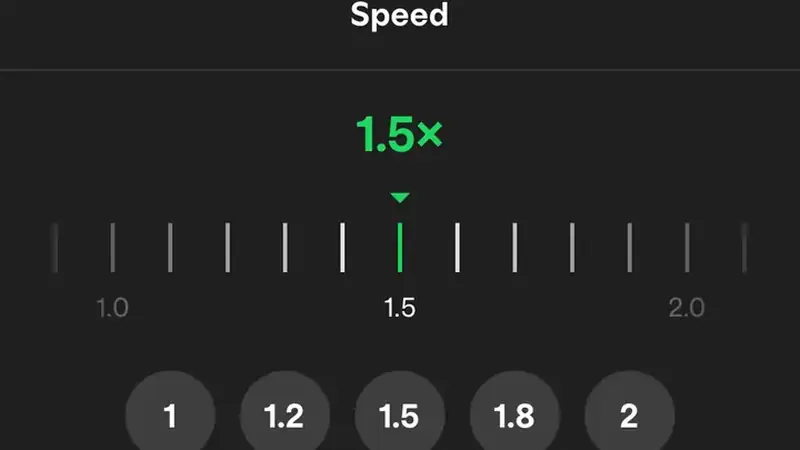
Speed control turns an hour of content into twenty minutes or a rushed tutorial into something learnable. Here is how to wield it in TikTok You.
Where the control lives
Long-press on a video or open the playback options to find the speed selector. It applies per video, so your feed speed never gets stuck weird.
Slow down to learn
0.5x and 0.75x are gold for dance tutorials, recipes, and DIY. Audio stays pitch-safe, so voices sound normal, just slower.
Speed up to skim
1.5x and 2x chew through vlogs, storytimes, and news recaps. Most speech stays perfectly followable at 1.5x.
Combos that work
Speed plus auto-scroll is the ultimate skim mode: fast playback advancing on its own. The auto-scroll guide sets up the other half.
Speed controls are also a study tool. Language learners slow dialogue to catch pronunciation, musicians slow riffs to learn them note by note, and students speed lectures to 1.25x to review faster. Try combining slow playback with captions turned on: reading along while the audio crawls makes unfamiliar accents much easier to follow. When you switch back to normal speed, everything feels clearer, like the training wheels just came off. Keep a mental note of which speed suits which content type and the control becomes second nature within days.